So the base of all of this is Dataverse (even for integrations to Power BI, however Power BI is NOT required to have Dataverse, the others are).
I usually suggest people start like this
Base Understanding of the Platform as a whole, this way you understand the components that exist I the other services, such as forms, relationships, data, Ux, roles, security, tables etc.
- Dataverse - Get started using Microsoft Dataverse - Training | Microsoft Learn
- Power Platform - Training for Power Platform | Microsoft Learn
- On this page at the bottom will be some starting learning that covers understanding the platform and power apps and power bi. This is all for you to leverage at your pace, and will have you build things.
- Power Platform - All Training (filtered) Browse all training - Training | Microsoft Learn
- You can filter by technology and Role even
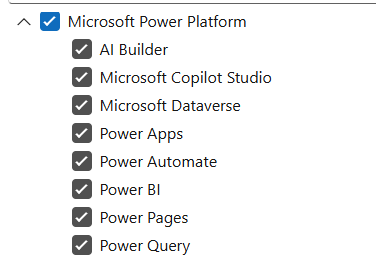
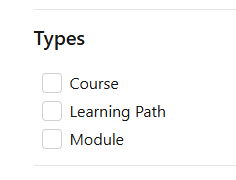
- You easily filter down what you want to focus on in the order and what helps is to filter on Types
- where learning paths will give you the best overall, because it combines together into long training sessions of hours long, walking you through many modules that have been brough together as a topic
- I added a link at the very bottom to show what I mean
From there I suggest doing some learning in Power Apps, for both Canvas and Model Driven App
- These both use Dataverse. Event for Canvas Apps that do not connect to Dataverse, if you use Solutions, they are stored in Dataverse so its good to understand solutions, which again is part of the base platform, not specifically to an App (whether its Power BI, Power Apps or Power Automate
My reasons are that each layer above builds on the other or uses the other.
Here are some really good Modules
You can also do a free App in a Day or Daily workshops here
I hope that helps
If these suggestions help resolve your issue, Please consider Marking the answer as such and also maybe a like.
Thank you!
Sincerely, Michael Gernaey


